
How to Check Criminal History in Guyton
Guyton uses an unusually direct first contact. Clerk of Court Crisa Fort handles traffic citations, records municipal court data, collects citation payments, and receives open-records requests for police reports. Start there for a city event or citation. Move to the Effingham Booking Desk for full custody, then to the correct county court if the charge was filed outside municipal court. A GCIC channel answers a different question about reportable Georgia history.
- Call the Guyton clerk at 912-772-3353 and identify whether the request concerns a report or citation.
- For a police file, give the incident date, location, names, and report number if known.
- For court data, give the citation number, name, birth date, and scheduled court date.
- Check Effingham booking and county court sources if an arrest or higher charge followed.
- Use an official GCIC route when a statewide history is truly required.
One Guyton Clerk Holds Two Records
The combined role reduces guesswork, but the records remain distinct. A Guyton police report describes an event and officer action. A municipal docket tracks the citation, hearing, payment, and disposition. Ask for one or both by name. Crisa Fort is listed at 912-772-3353 and crisa.fort@cityofguyton.com.
The official Guyton city homepage is the public gateway to city departments and services.
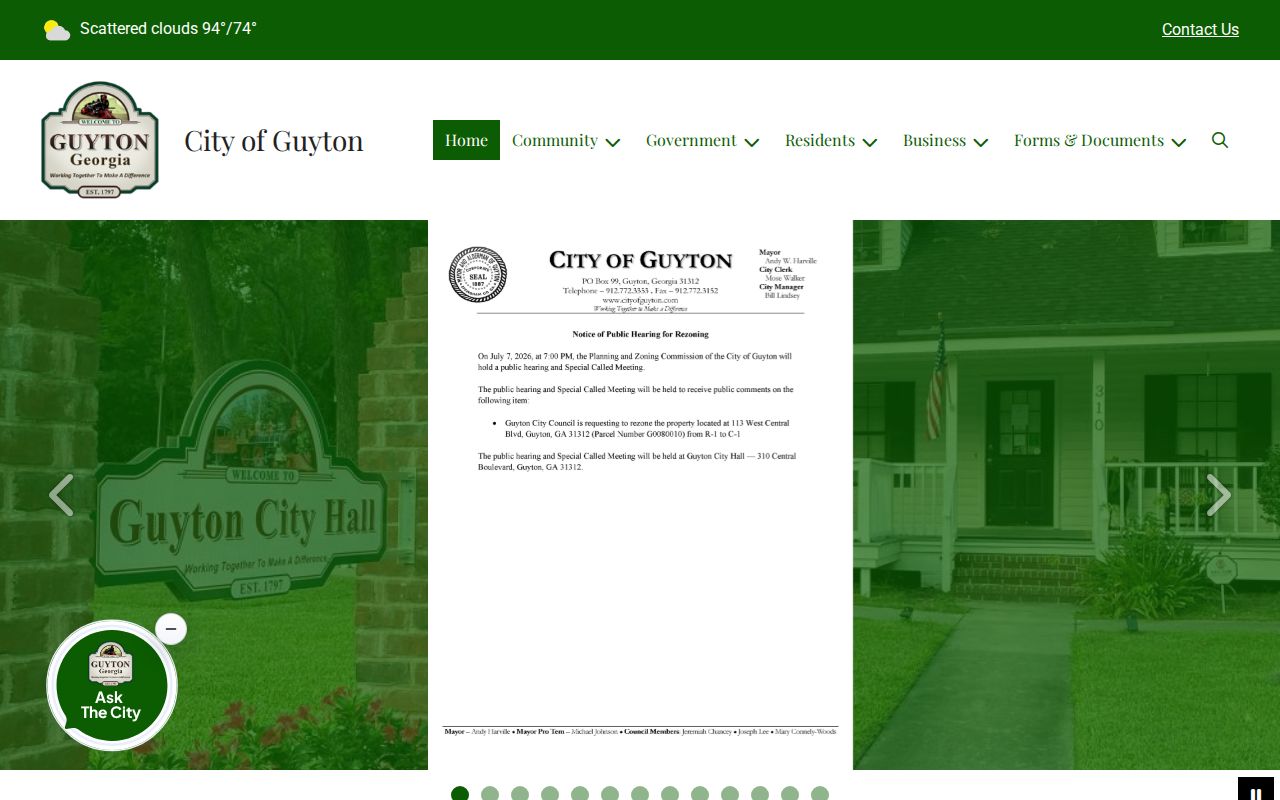
The city gateway helps locate current contacts, while the clerk confirms the status of a particular Guyton file.
The Guyton Police Department
Guyton Police creates incident and arrest reports, but the court clerk is the stated open-records contact for those police files. A useful request identifies the event, approximate time, place, people involved, report number, and desired format. Protected identifiers, juvenile data, sealed content, and active-investigation details may not be released. No verified Guyton arrest blotter or official police app was found.
The official Guyton Police page provides department context.
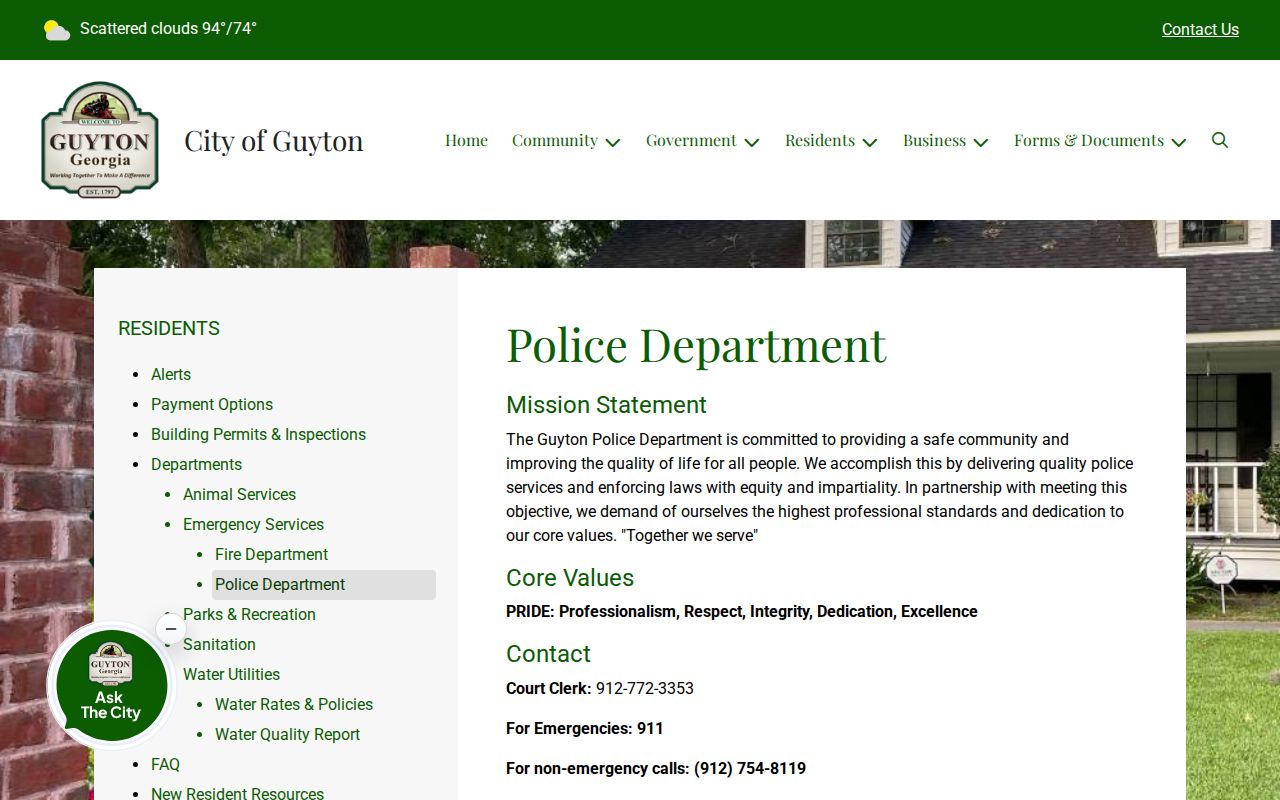
The source identifies the city department, but report requests still follow the clerk channel documented by Guyton.
Guyton Call Audio Stays with E-911
The police narrative and call audio do not share one custodian. Effingham Emergency Communications handles city police dispatch, Fire, and EMS. Ask that county office for Guyton CAD records or 911 audio. CAD means the computer-aided dispatch log that tracks calls and unit activity.
Supply a date, approximate time, location, call type, and agency. Emergency Communications retains public-inquiry source records for three years and the request itself for seven years. The final officer report remains a Guyton police record requested through the clerk.
Note: Request both sources when the call timeline and the completed Guyton narrative matter.
Arrests and Bookings in Guyton
Effingham County Jail handles full bookings after a Guyton arrest. The city report explains the officer's action. The county entry can show booking number and time, arresting agency, custody status, listed charges, bond, and release. Call the jail at 912-754-9715 when the current Booking Desk interface lags.
An arrest does not prove guilt. Prosecutors may change or decline charges. A citation can remain in Guyton Municipal Court, while a county misdemeanor generally belongs in State Court and a felony in Superior Court. Follow the filed charge to the Effingham criminal court record for the actual outcome.
Three Stops for Guyton Criminal Records
Guyton's route has three clear physical or institutional stops. The clerk handles the city file. Municipal Court meets at Guyton Gymnasium. A person placed in full custody goes to the county jail in Springfield. These locations do not merge their databases merely because the same event links them.
| Stop | Record | Best identifier |
|---|---|---|
| Guyton clerk | Police report or citation data | Report or citation number |
| Guyton Gymnasium | Monthly municipal session | Name and court date |
| Effingham Booking Desk | County custody entry | Name and booking date |
Ask each office only for the record it owns. This keeps a missing result from being mistaken for a dismissal.
Guyton Municipal Court Records
Guyton court meets on the first Wednesday of each month at 3:00 p.m. in Guyton Gymnasium, 505 Magnolia Street, Guyton 31312. The clerk records court data and collects citation payments. The monthly schedule means a new citation may not yet have a final disposition, even when payment data appears.
| Court Name | Guyton Municipal Court |
|---|---|
| Case Types Heard | City traffic, ordinance, and authorized state-law matters |
| Case Lookup Channel | Clerk phone or email and Government Window payment search |
| What the Docket Shows | Citation, defendant, dates, violation, payment, and entered outcome |
| Copies & Fees | Ask the clerk for availability and a current quote |
Guyton Citation Search on Government Window
Guyton directs online citation payments to guytonga.governmentwindow.com. Typical fields include citation number, defendant name and birth date, amount, and card or billing details. The portal is a payment channel, not a complete criminal-history database. A no-result screen does not prove that a case was dismissed.
If the portal cannot locate the citation, call Crisa Fort rather than guessing. The city accepts credit card, cash, or money order. No other payment method should be assumed. Keep proof of payment and ask when the municipal docket will reflect the result.
Guyton Criminal Records Follow a Monthly Clock
A first-Wednesday schedule shapes record timing. Police can create a report on the incident date, the county can create a booking soon after custody, and the municipal court may not act until its next session. These timestamps should not be forced into one timeline.
For a new citation, confirm the court date with the clerk. After court, ask whether the disposition has been entered. If a county charge replaced or joined the city matter, check State or Superior Court. This sequence separates a pending Guyton case from one that has ended.
Guyton Police Reports at the Court Desk
The official Guyton Clerk of Court page expressly ties the clerk to police open-records requests, citation data, payment, and the court schedule.
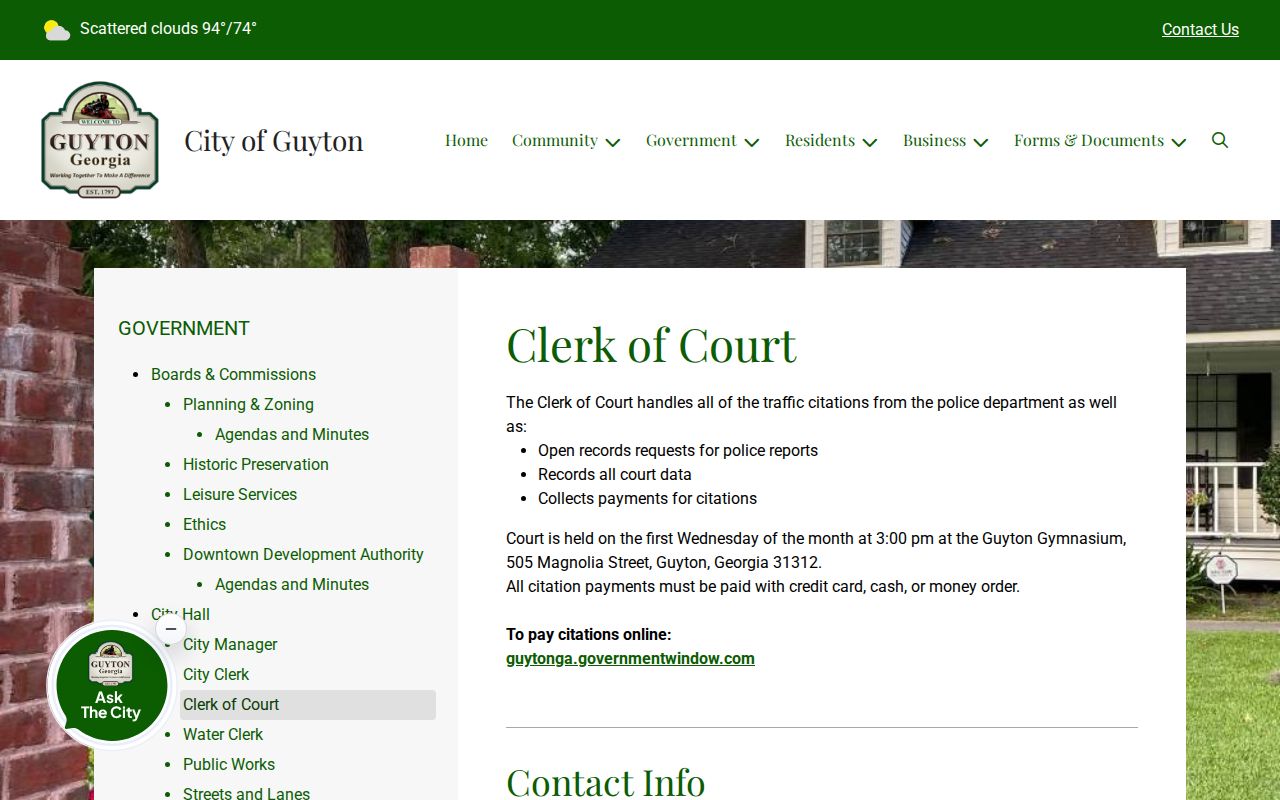
This combined role is Guyton's most useful local access fact. It lets a requester ask one official contact whether the needed item is a police report or a court record.
Where Guyton Criminal Records End Up
Guyton retains its police and municipal records. The sheriff owns county booking data, and the Effingham clerk owns county prosecution files. GCIC assembles reportable statewide arrest and disposition segments sent by those agencies.
Record flow: Guyton Police Department › Effingham County Courts › Georgia Bureau of Investigation and GCIC
Recent events should be checked in Guyton first. Filed outcomes belong to the court. The Effingham County criminal history overview gives the broader county and state routes without replacing the local search.
Guyton Records in a Growing County
Guyton is the smallest of Effingham County's three incorporated cities, yet it keeps a distinct police and municipal record system. The county grew 14.8 percent from its 2020 estimates base to the July 2025 estimate. That growth is context for several local custodians, not evidence of more crime.
Official crime totals should be queried by agency and year through GBI Crime Statistics or the FBI Crime Data Explorer. Guyton Police totals and sheriff totals have different coverage. Reported offenses are not convictions, and no exact city count should be stated without an official export.
Public Access Rules for Guyton Records
The Georgia Open Records Act generally permits access to existing city records and normally calls for a response within three business days. Guyton need not create a new report. Active-investigation facts, sealed data, juvenile records, confidential identifiers, and other protected material may be withheld. Define the record, date, event, and format.
Key Statutes:
Georgia Open Records Act, O.C.G.A. §§50-18-70 through 50-18-77 - grants access subject to statutory exemptions.
O.C.G.A. §35-3-34 - governs release and consent rules for Georgia criminal history.
GCIC Rule 140-2 - controls reporting, security, correction, and dissemination.
Send corrections to the custodian of the wrong segment. The Guyton clerk handles the city police or court record, the sheriff handles booking data, and the county clerk handles county dispositions. Identity disputes may require official fingerprint steps.
Ask whether the clerk can provide inspection, an ordinary copy, or a certified copy. Those services are not the same, and the research did not locate Guyton's municipal copy fee schedule. Request a quote before staff performs paid search or duplication work. A narrow date range, report number, citation number, and named delivery format can reduce delay. Avoid asking the clerk to create an analysis that does not already exist.
Georgia record restriction and court sealing also require care. Restriction limits access to eligible criminal-history information, while sealing concerns court material under the governing order. Neither term promises that every Guyton document vanishes. A person checking their own history should compare the city report, municipal or county judgment, and GCIC cycle. Corrections then go to the contributor that owns the error, backed by the final court record when the disputed item is a missing disposition.
Confirming a Guyton Criminal Record
A reliable Guyton search tracks identifiers as the matter moves. The police report number, citation number, county booking number, and trial-court case number are not interchangeable. Note which custodian supplied each item and the date of the search. When a name is common, ask the clerk which additional field is needed, but submit private data only through an official route.
Check the procedural stage next. The Guyton report describes an allegation. The Booking Desk shows custody. The municipal docket shows a city citation, while State or Superior Court records a county prosecution. Only the court disposition answers how the filed matter ended. A payment portal can confirm a transaction, but it is not a certified judgment and a missing portal result is not proof of dismissal.
Keep the written request, clerk response, copy, and receipt. If records conflict, those documents show which Guyton or Effingham contributor should review the error. Ask the clerk about certification and current fees when an official copy is needed.